
Video Tutorial
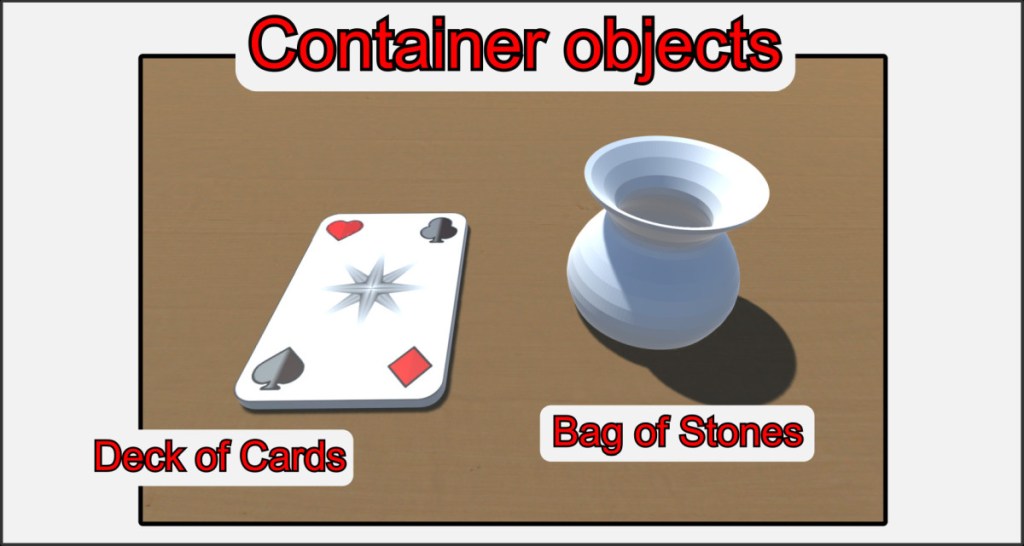
One of the most important special objects is the container. A container can hold other objects and manage them in a list. It can be compared to a bag for game pieces, a box, a stack of cards or something similar.
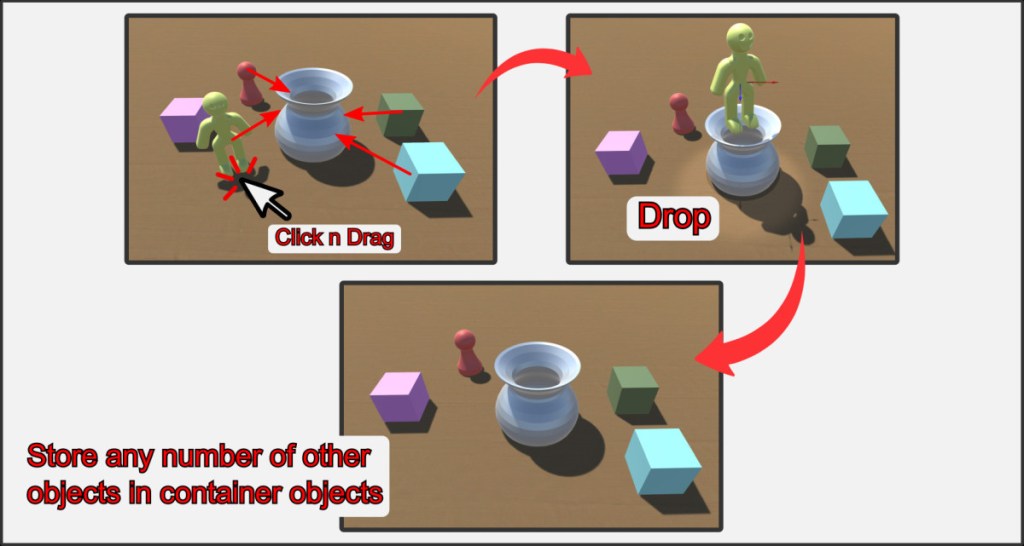
Containers can hold any number of objects. The objects can be of any type, regardless of the type of container or what objects are already in it. If an object touches a container, it is automatically added to its contents. Take an object, drag it over a container and simply drop it in. Be careful. Even thrown objects are added to a container if they touch it. All objects in a container are transported in it. If you move the container, its entire contents are taken with you. This also applies to the inventory, with the exception that you can no longer remove objects in a container from the inventory.
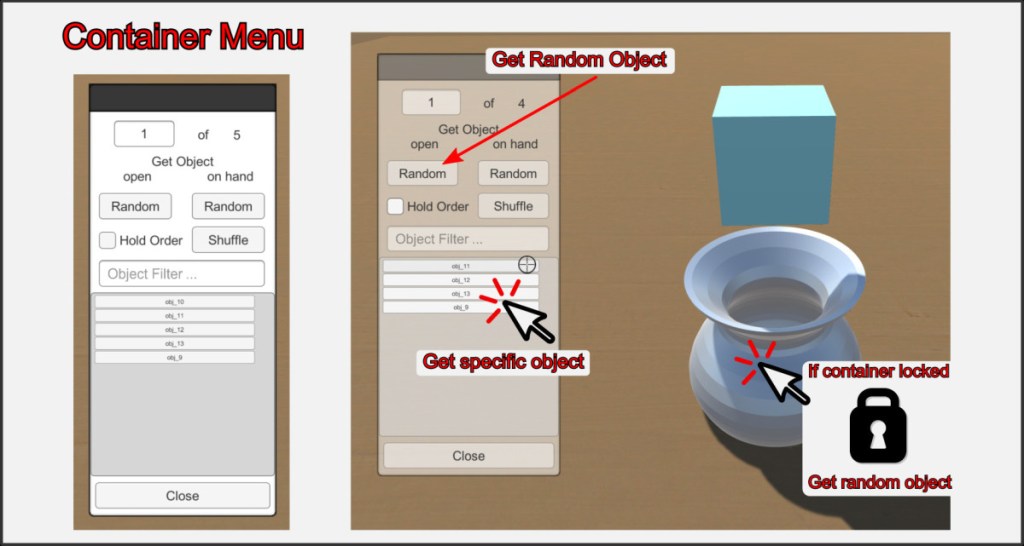
The action menu of containers shows a list of all the objects contained in them. You can remove the objects from the container by simply clicking on them. With the random buttons, you take a random object from the supply. A very elegant way of using containers in games is to lock them with the lock function. If you now click on the container, a random object will be taken out, depending on the setting, without having to open the action menu.
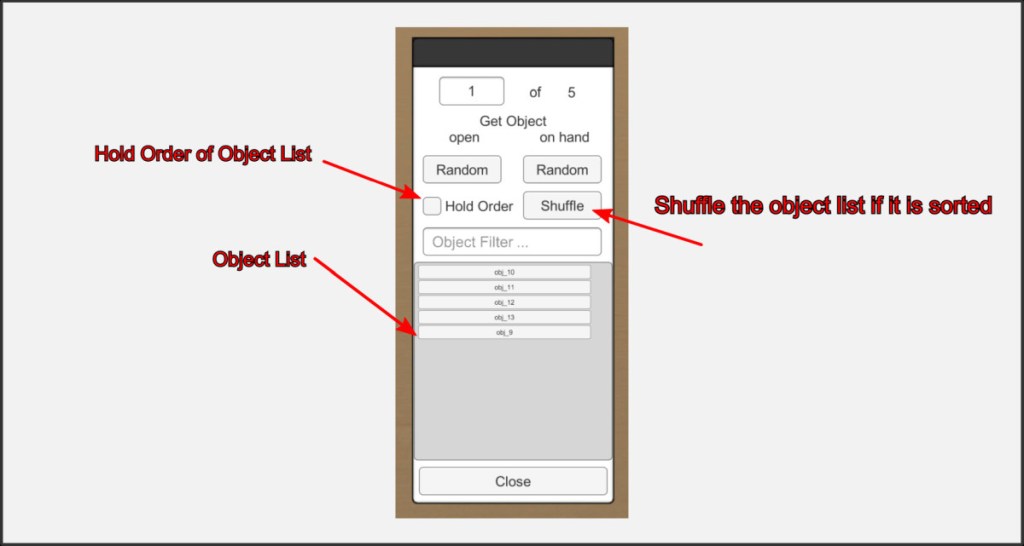
With the Hold Order setting, the order of the objects is fixed and you get a First In First Out stack. This is particularly useful for card decks, as the order is sometimes important here. This also works, of course, if the container object is closed. With the Shuffle button, you can reshuffle a list sorted in this way. After that, the order remains fixed. Otherwise, the contents of a container are always randomly shuffled, but the object list is in alphanumeric order.

