
Video Tutorial Inventory
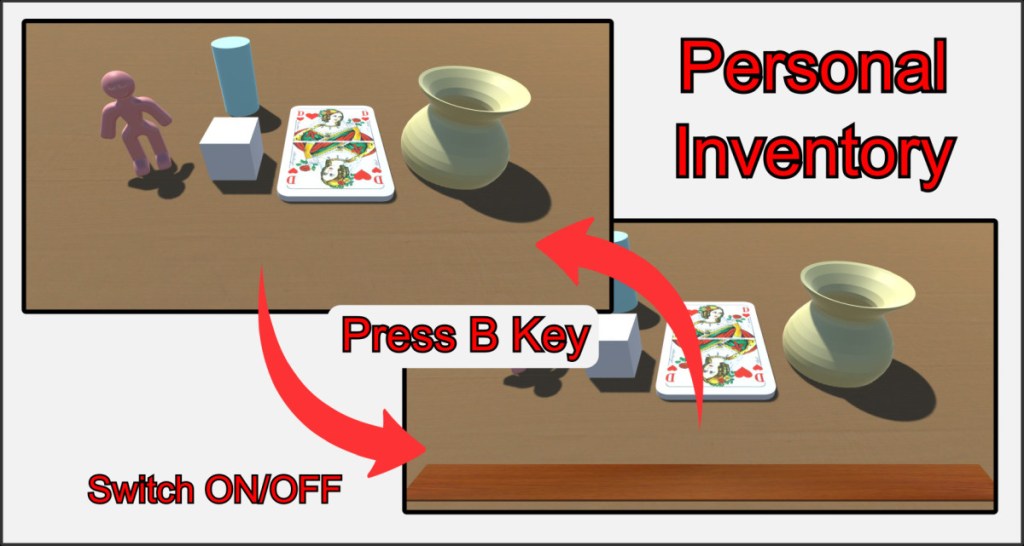
When playing board games, it often happens that you have to secretly take cards or game pieces into your hand in order to lay them out again later.
Each player has a personal inventory at their disposal, their so-called hidden hand. Open and close your inventory via the main menu or simply by pressing the B key. Objects in your inventory can only be seen and brought back into play by you.
Add Objects to inventory
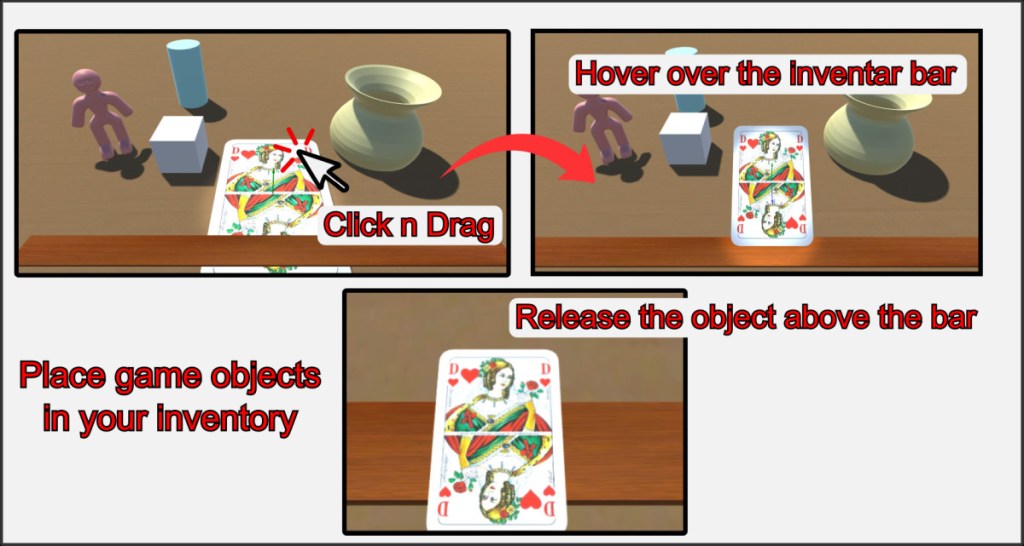
To add an object to your inventory, pick it up and drag it to the open inventory bar at the bottom of the screen. The object will align with your view as soon as it is above the bar. Only when you let go of the object will it go into your inventory and disappear from the game table for other players.
Moving objects in inventory
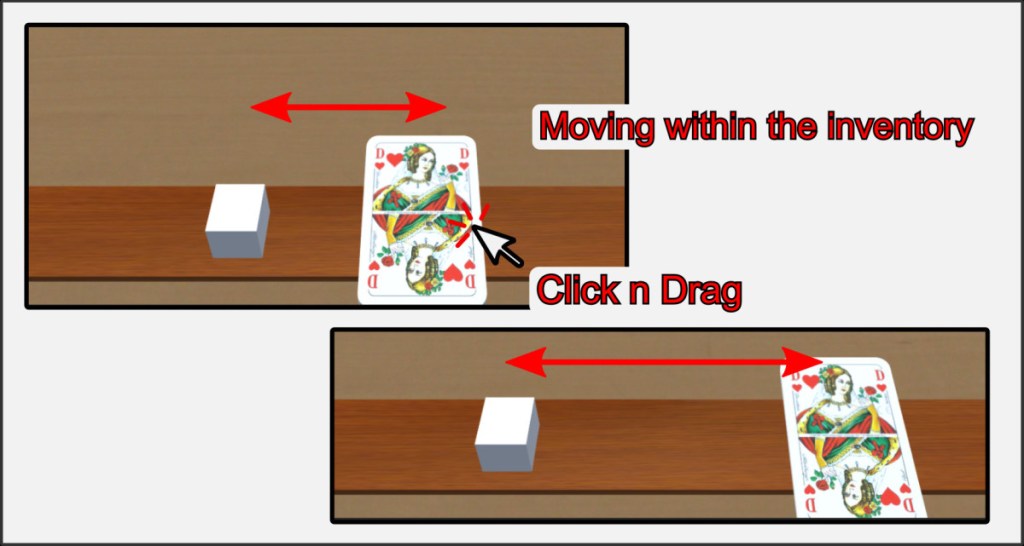
You can move and rearrange objects within your inventory without them reappearing on the playing field.
Drop objects back to playfield
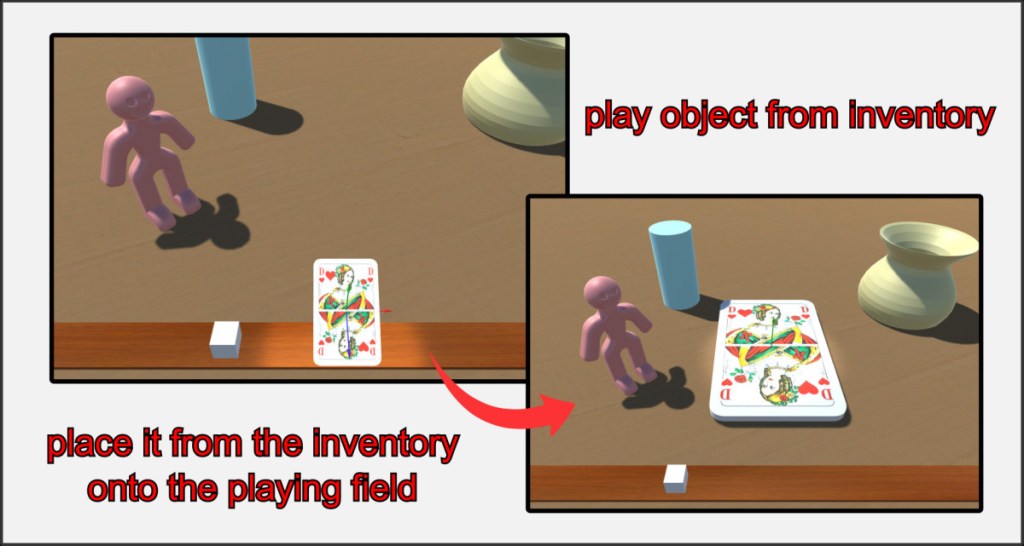
To play an object, simply drag it from your inventory back to the playing field and drop it there. Only then will it reappear for all other players in the room. To empty your entire inventory to the Lost+Found position, press the U key.

