
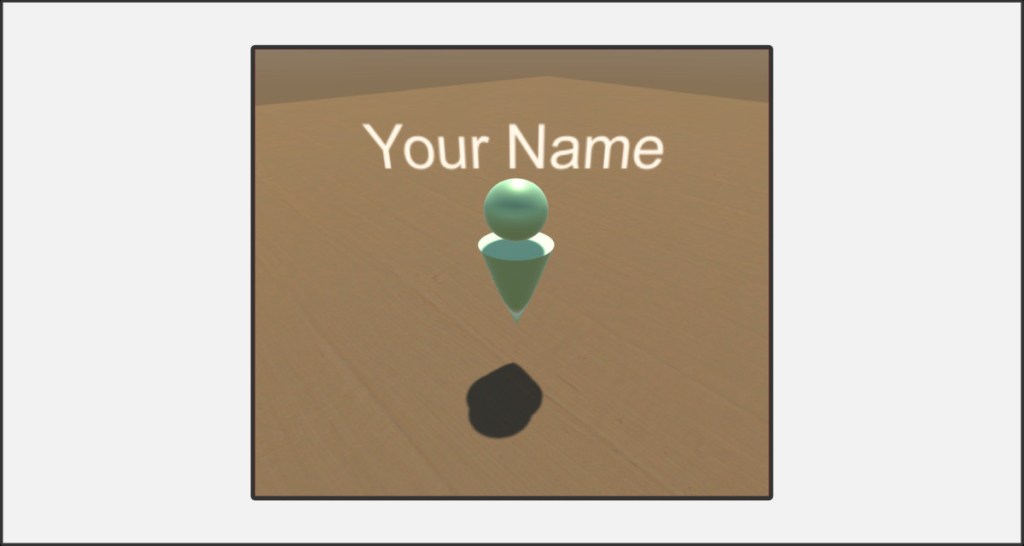
The Ank is a special, personal avatar that is assigned to a player in the room by name. Its position is independent of the position of the player camera and its view. The Ank can be used to communicate with other players by placing it in certain places to indicate an interesting action or to point out something to other players that they may have overlooked.
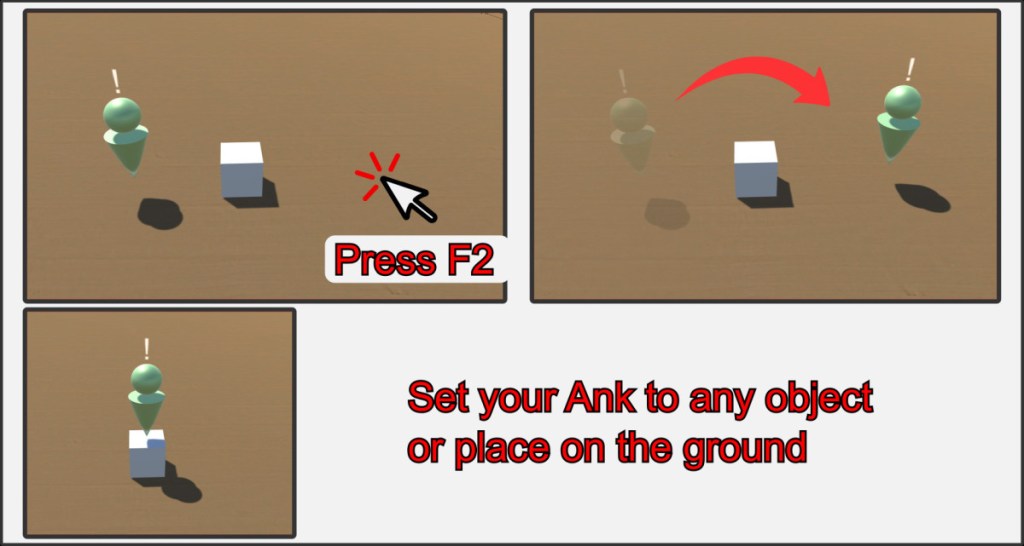
The anks are always visible to all players in the room. To move an ank, the owner must move the mouse pointer over a spot on the playing field and press the F2 key. The ank jumps to the position under the cursor and will always be above any object so as not to be obscured.
Ank Hot Keys
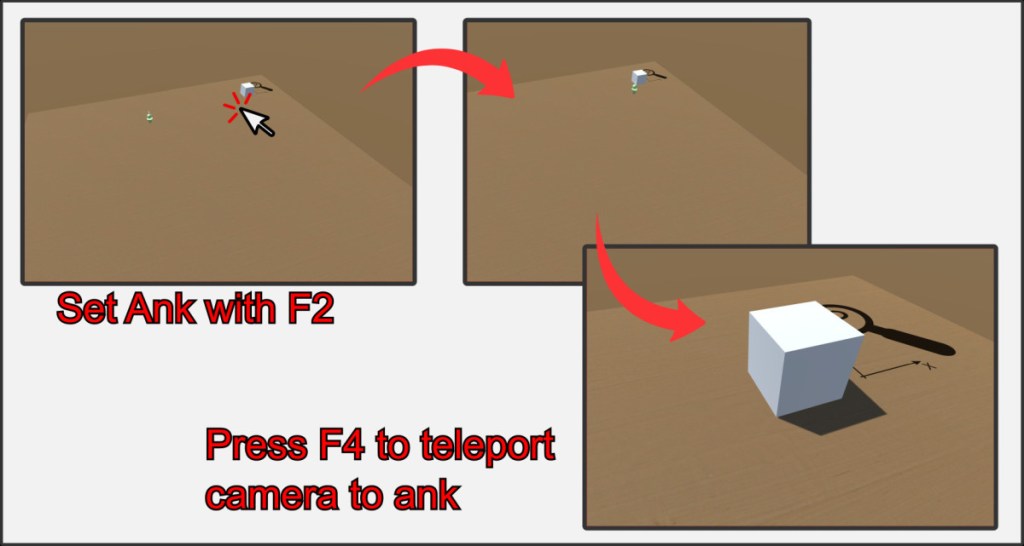
The Ank can also be used to quickly teleport to a specific position in the room. To do this, simply press the F4 key. Press F3 to set the Ank to the current camera position and F4 to set the camera to the Ank position.

