
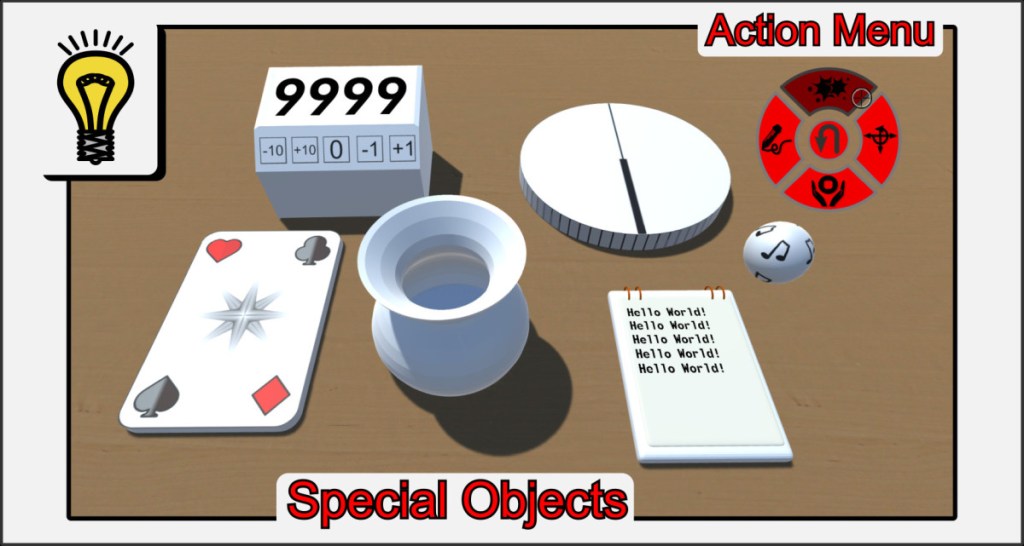
In order to depict complex mechanics and functionalities for board game systems, VBR uses special objects. In addition to the basic properties that all other objects have, these game objects each have a very specific ability to solve a particular problem. Like all other objects, special objects can be given textures, change their size or have a custom mesh. You can find this object type in Build Menu in tab with the light bulb.
Action Menu
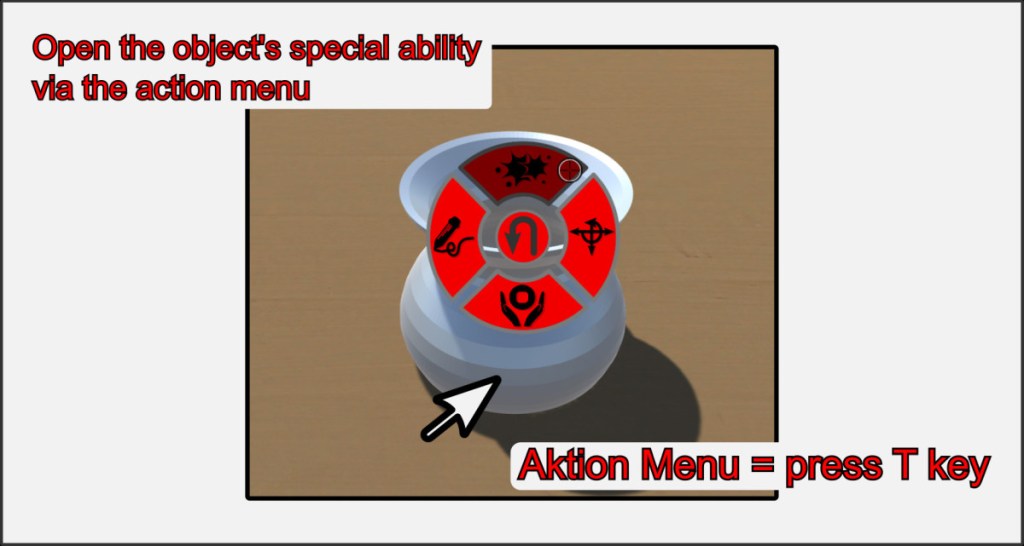
The action menu is used to call up the object’s own function menus. These menus differ from object to object and control the special abilities.
Hotkey T
If you open the action menu for a „normal“ (non-special) game object, the texture viewer is activated. Look at the help for the respective special object to find out what you can do with it. An alternative way to open the action menu is to press the T key while hovering the mouse pointer over an object.

