
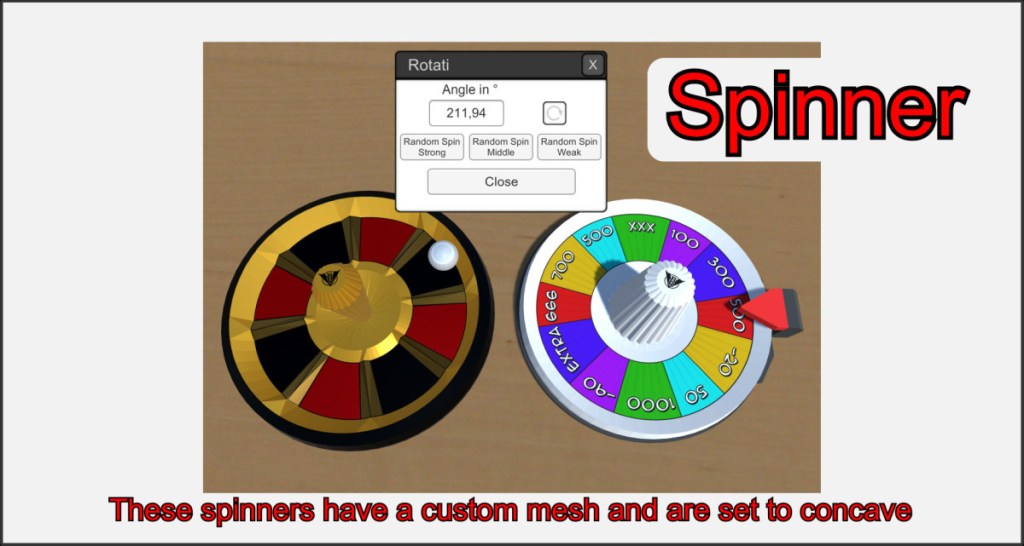
The spinner represents rotating or turning game mechanics. It has a fixed rotation axis (Y) which is never locked and can always be rotated using the Y key.
The spinner can also be individually designed using custom meshes and textures. In the spinner action menu, a specific angle can be entered and the object can be set in auto rotation.
Rotate even locked spinners
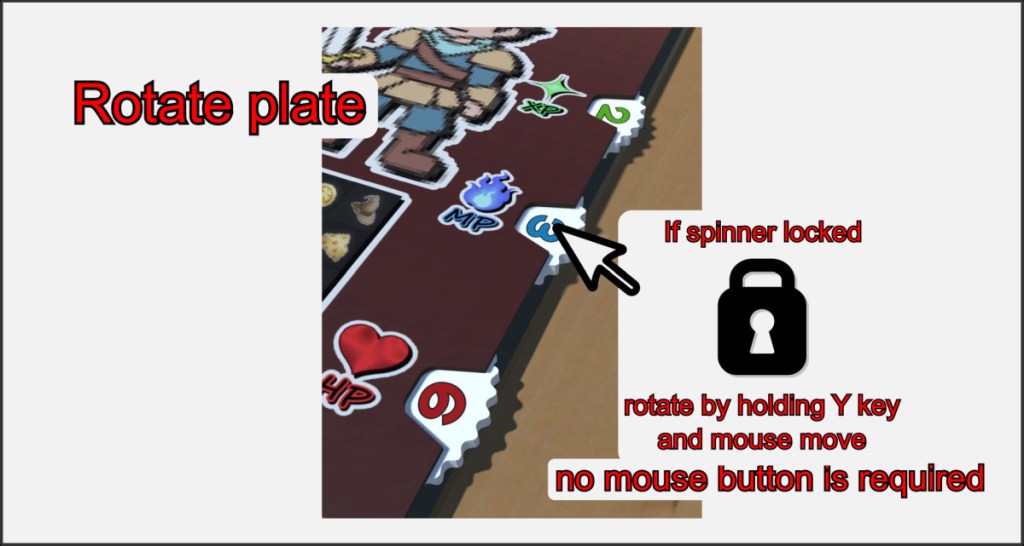
The ability to rotate around its axis is not lost even when it is locked and given a concave shape. Hover over a locked spinner object, press and hold the Y key and move the mouse slightly back and forth to trigger a rotation.

